

 Create account
Pick the location you needBrowse reviewed countries and, for Rotating Residential, narrow down to a state or region instead of relying on a vague global claim.
Rotating Residential · Static ISP · Datacenter
Welcome to IPMusk Proxies made simple.
Choose a plan and continue to online checkout.
Rotating ResidentialStatic ISPPublic web dataAd verificationLong-running sessions
What you can count on
Clear choices. No inflated promises.
We show only the capabilities, locations and delivery states the product can actually support.
Rotation built inResidential connections get a new IP on every request by default, or keep the same IP for up to 30 minutes with a sticky session.
Keep a stable addressStatic ISP addresses stay assigned for the service term you choose.
Reach a clear support pathTechnical and billing questions follow a clear support workflow.

Start with the job
Fresh IPs or one steady address?
Use Rotating Residential for repeated public-web requests across countries. Choose Static ISP when a longer-running session needs an assigned address.
Rotating Residential
Billed by traffic
Static ISP
Billed by IP & term
Total
$5.99United States · 1 IP · 30 days
Compare Static ISP plansNeed a fixed IP from a hosting provider? Datacenter is a separate product.
Compare Datacenter plansReview the available configuration, then continue to online checkout.
Coverage you can inspect
Start with the country your workflow actually needs.
See product availability by country before you compare plans. Rotating Residential, Static ISP and Datacenter coverage are shown separately.
United StatesResidentialStatic ISPDatacenter
United KingdomResidentialStatic ISP
GermanyResidentialStatic ISPDatacenter
FranceResidentialStatic ISP
JapanResidentialStatic ISPDatacenter
SingaporeResidentialStatic ISPDatacenter
See all locationsWhere the difference matters
Built around real work, not generic proxy promises.

01
Public web data
Collect public information across markets without tying every request to one assigned address.
Browse reviewed countries and, for Rotating Residential, narrow down to a state or region instead of relying on a vague global claim.See Rotating Residential
02
Ad verification
Check public campaign experiences from the countries your review actually covers.
Residential connections get a new IP on every request by default, or keep the same IP for up to 30 minutes with a sticky session.See Rotating Residential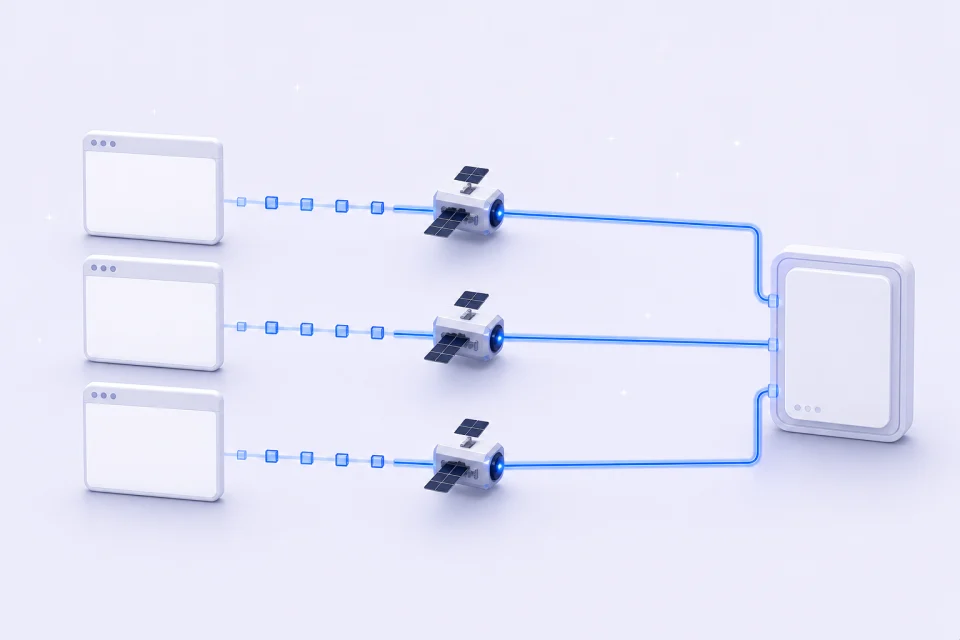
03
Long-running sessions
Keep one assigned Static ISP address for a workspace that needs consistency over a defined term.
Static ISP addresses stay assigned for the service term you choose.See Static ISPNo guesswork
Know exactly what you’re choosing.
Compare the model, inspect coverage and review the setup details before you commit to anything.
Start with the workflow
Decide whether you need fresh IPs or one assigned address.
Compare real options
Review traffic packages, locations, terms and quantities.
See the full setup
Understand credentials, allocation and expiry before purchase.
Complete checkout
Continue to checkout, then track payment and delivery separately in your dashboard.
What you can count on
Clear choices. No inflated promises.
We show only the capabilities, locations and delivery states the product can actually support.
Reach a clear support pathCan I enter any number of gigabytes?
No. Choose one of the fixed traffic plans shown on the pricing page.
Can I use IP allowlist authentication?
Not currently. A single username and password credential is supported.
Is availability instant?
No promise is made. An order must first reach allocated status and return the expected number of usable configurations.
Can I choose any service duration?
No. Choose one of the approved terms: 30 or 90 days.
Choose with clarity