
TikTok proxy
Premium TikTok Proxies
Rotating Residential · Static ISP · Country-level targeting · Credential authentication
- Keep approved TikTok profiles in separate proxy environments
- Review region-specific public videos, campaigns, and landing pages
- Collect public creative and trend metadata for market research
- Choose stable assigned access or rotating research traffic by task
Why TikTok proxies
What Is a TikTok Proxy?
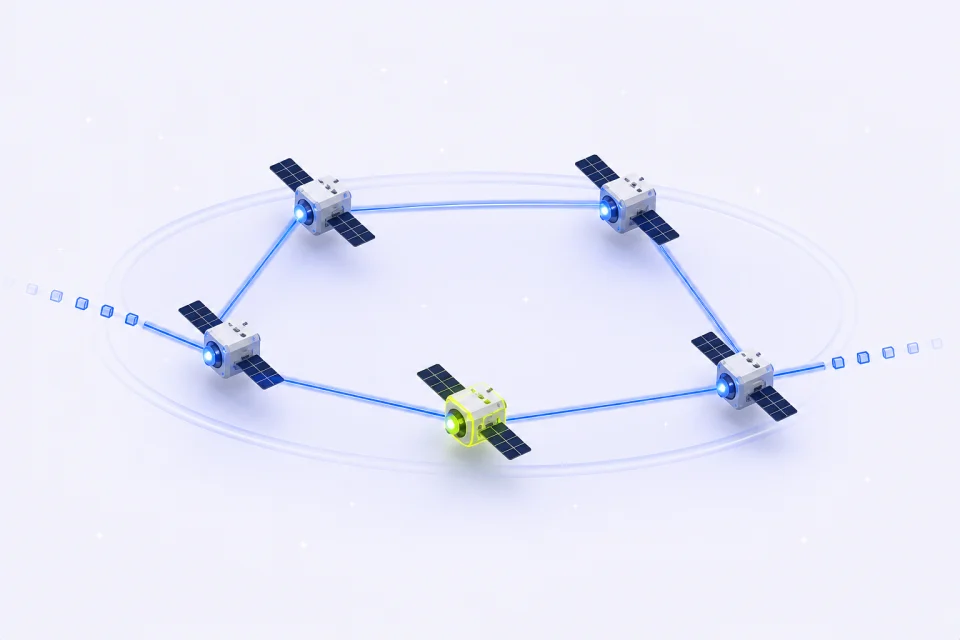
A TikTok proxy routes a browser or approved application through another IP address. It can provide a stable assigned network baseline for a named profile or rotating country-level exits for public creative and trend research.
A team running multiple authorized profiles can keep each browser session, cookie store, and Static ISP resource separate. That makes recurring review and campaign work easier to compare without mixing profile network history.
For regional campaign research, Rotating Residential access can support independent observations of public videos, creator pages, campaign destinations, visible notices, and trend surfaces from available countries.
For example, a marketing team can pair each approved regional profile with one Static ISP address, then use a separate rotating collector to compare public creative themes and regional campaign pages.
TikTok proxy use cases
How TikTok Proxies Work
Use stable assigned access for repeat profile environments and rotating residential access for public regional, creative, and trend research.
Use a Separate Network Address on TikTok
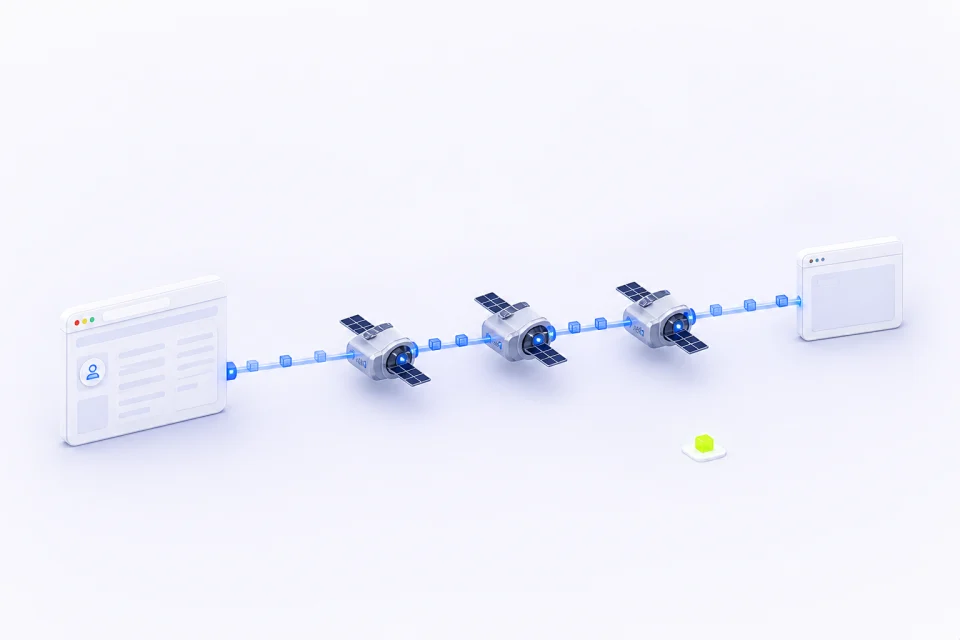
Routing through a proxy gives an approved TikTok browser or research connection its own network address instead of the team's everyday office connection.
IPMusk fit: use dedicated proxy credentials instead of sharing dashboard passwords.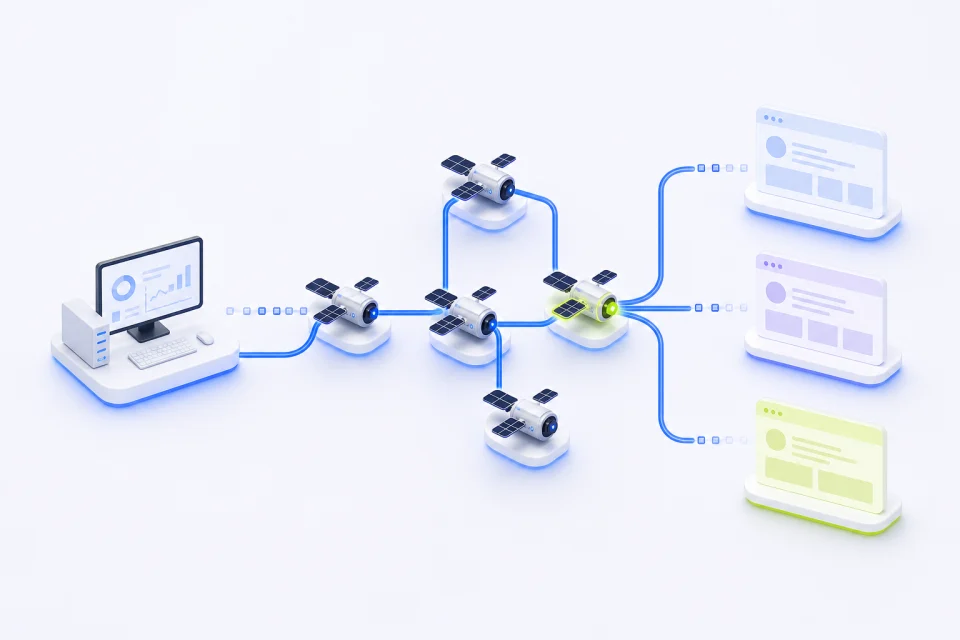
Review Region-Specific TikTok Content
Country-level exits help compare public videos, campaign destinations, visible notices, and content availability across reviewed markets.
IPMusk fit: select an available country and record the result as one regional observation.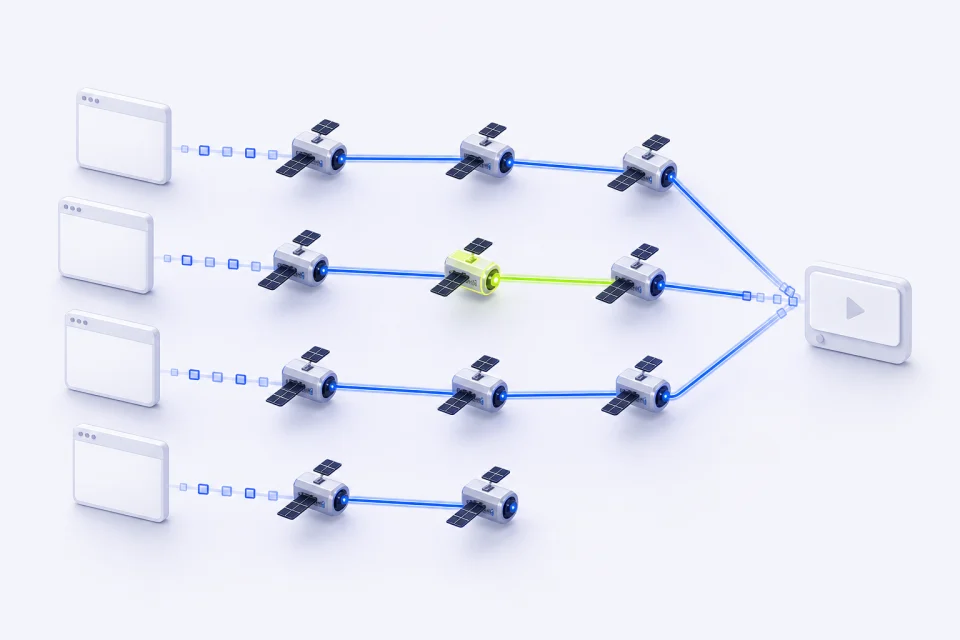
Maintain Stable Campaign Access
A long-lived approved profile benefits from returning through the same assigned address during scheduled campaign checks and publishing work.
IPMusk fit: Static ISP keeps one assigned address for the selected term.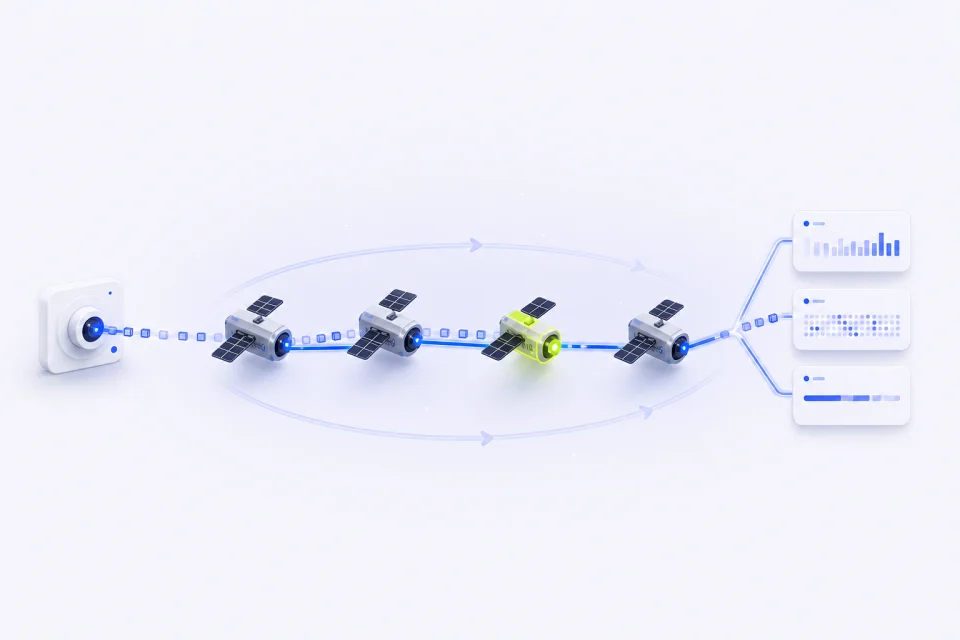
Research Public Creative and Trends
Collect approved public captions, video-page metadata, creator references, and campaign links to compare creative themes and visible trends.
IPMusk fit: Rotating Residential packages support bounded public-data collection.IPMusk TikTok proxy features
How IPMusk's TikTok Proxies Stand Out
Two clearly separated products cover rotating research requests and stable assigned-address workflows without mixing their session behavior or billing model.
| Feature | IPMusk | Best fit |
|---|---|---|
| Proxy options | Rotating Residential + Static ISP | Public data and stable assigned environments |
| Location control | Country-level selection | Regional public-page comparisons |
| Session behavior | Default rotation or assigned static IP | Independent requests or repeat profiles |
| Authentication | Dedicated proxy username and password | Browsers, proxy clients, and server collectors |
| Plan structure | Fixed GB packages or IP quantity + term | Predictable traffic and service duration |
TikTok proxy plans
Compare TikTok Proxy Plans
Use it for approved long-lived TikTok browser profiles and repeat campaign workflows that benefit from one assigned address. Use it for bounded public video, creator, campaign-page, and trend research across available countries.
Rotating Residential Proxies
Rotating Residential Proxies change addresses between connections by default and use fixed GB packages. Use it for bounded public video, creator, campaign-page, and trend research across available countries.
- Country-level targeting from reviewed locations
- Default random rotation between connections
- Dedicated username and password authentication
Static ISP Proxies
Static ISP Proxies provide assigned addresses for a selected country and service term. Use it for approved long-lived TikTok browser profiles and repeat campaign workflows that benefit from one assigned address.
- One assigned address for the selected term
- Stable network identity for an approved profile
- Individual connection details for every resource
TikTok proxy setup
How to Set Up Your TikTok Proxies
Choose the product and country, generate the supported connection details, then validate one approved page or client before expanding the workflow.
Customize Your Proxy Parameters
Choose Rotating Residential or Static ISP and select an available country for the TikTok workflow. For Static ISP, also choose quantity and term; for Residential, choose the fixed traffic package.
Generate Your Proxy Details
Open the matching workspace and generate or reveal the supported connection details. Keep proxy credentials separate from dashboard and destination-account passwords.
Plug the Proxy into Your Stack
Add the connection to the approved browser profile, proxy client, or server-side collector. Test one TikTok page or workflow, confirm the country and response, then scale within the written limits.
TikTok proxy FAQ
FAQs About TikTok Proxies
Choose a stable assigned address for repeat profiles and rotating residential access for bounded public-data collection or regional checks.
What is a TikTok proxy and why would I use one?
It is an intermediary route that supplies another IP address to a TikTok browser or research tool. Use Static ISP for approved repeat profiles and Rotating Residential for bounded public creative or trend research.
Are TikTok proxies safe for approved campaigns and profiles?
A proxy can provide a stable or rotating network route, but it cannot guarantee account safety. Profile permissions, browser state, campaign configuration, timing, and platform rules still determine the result.
Should I use free proxies with TikTok?
Free shared proxies are often unstable, heavily reused, and difficult to audit. Authenticated access with known country, traffic, and term limits is the clearer operational baseline.
How do TikTok proxies support campaign and trend research?
Country-level routing lets a team compare public creative pages and campaign destinations from different network locations. Rotation can separate bounded public-data requests without creating engagement activity.
Which IPMusk proxy type fits TikTok?
Choose Static ISP for a stable approved browser profile and Rotating Residential for public content or trend collection. IPMusk does not offer mobile proxies. Datacenter proxies are a separate product: hosting-provider IPs, not residential or ISP addresses, and websites recognize them more easily.
What is the difference between a proxy and a VPN for TikTok?
A VPN commonly routes all device traffic through one connection. Proxy credentials can be assigned to a specific browser, client, or server-side collector and can use either rotating or assigned-address behavior.
More proxy solutions