
YouTube proxy
Premium YouTube Proxies
Rotating Residential · Static ISP · Country-level targeting · Credential authentication
- Manage multiple authorized YouTube channels with separate proxy environments
- Use localized IP targeting to review YouTube experiences for regional audiences
- Collect public YouTube videos and metadata for competitor analysis and insights
- Build automated YouTube monitoring and public-data workflows with proxy access
Why YouTube proxies
Why Use a YouTube Proxy
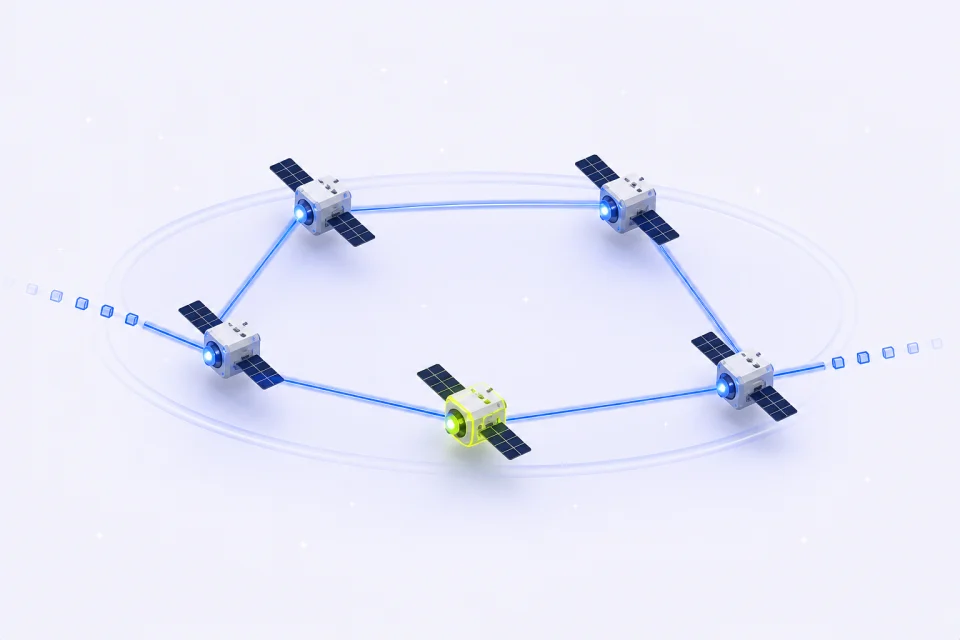
A YouTube proxy routes your browser or application through another IP address instead of your usual connection. YouTube traffic can then use a selected country-level network location or a dedicated assigned address, depending on the proxy product you choose.
For multi-channel management and channel operations, assigning a stable proxy to each authorized browser profile helps keep network environments separate. This reduces accidental overlap created when several channel sessions repeatedly share one public IP.
YouTube proxies also support regional research. Teams can select an available country to compare public video pages, search results, language, visible notices, and availability from that network location. The IP is one regional signal; it does not guarantee recommendations or playback.
For example, a team managing several authorized YouTube channels can pair each long-lived browser profile with its own Static ISP address. A separate Rotating Residential setup can then handle public video, title, comment, and metadata collection without mixing data traffic into channel sessions.
YouTube proxy use cases
How Proxies for YouTube Work
Use the proxy pattern that matches the job: stable IPs for long-lived channel environments and rotating residential access for regional research and public data.
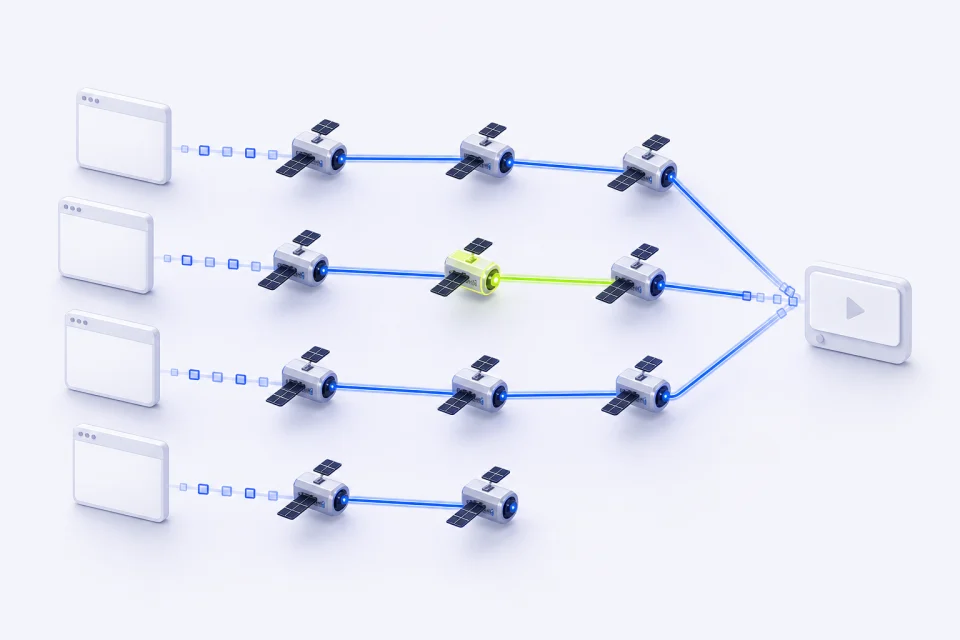
Manage Multiple YouTube Channels Safely
Running several channel profiles through one public IP can mix their network history and create avoidable verification friction. A dedicated Static ISP address gives each authorized profile a stable, separate network baseline.
IPMusk fit: one assigned Static ISP resource for each long-lived browser profile.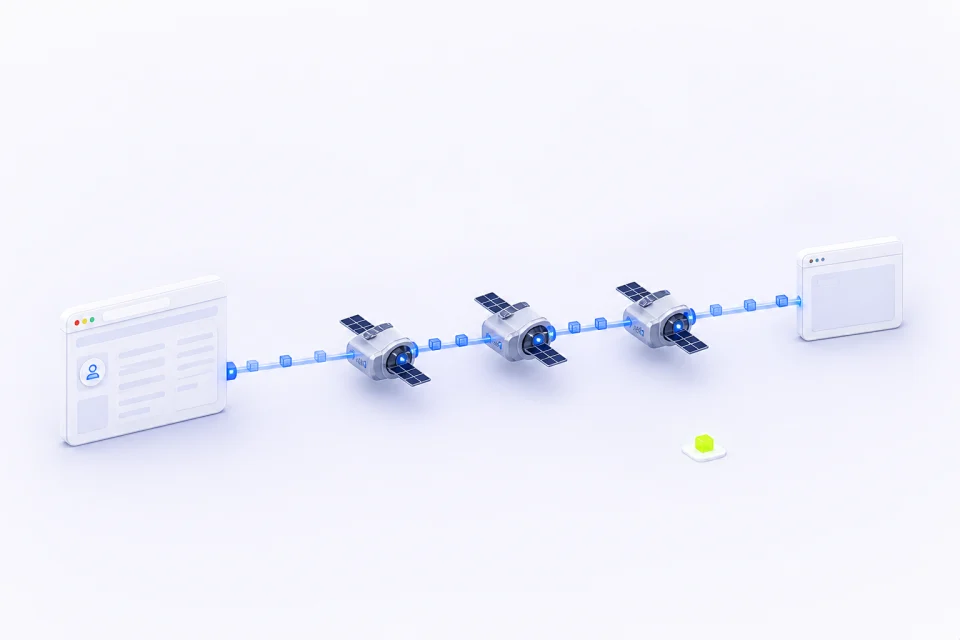
Reduce IP Conflicts During Channel Operations
Shared or frequently changing IPs can interrupt repeat channel workflows. Keeping the same assigned address for the selected service term makes sign-ins, reviews, and scheduled operations more consistent.
IPMusk fit: Static ISP for continuity; rotation is reserved for public-data work.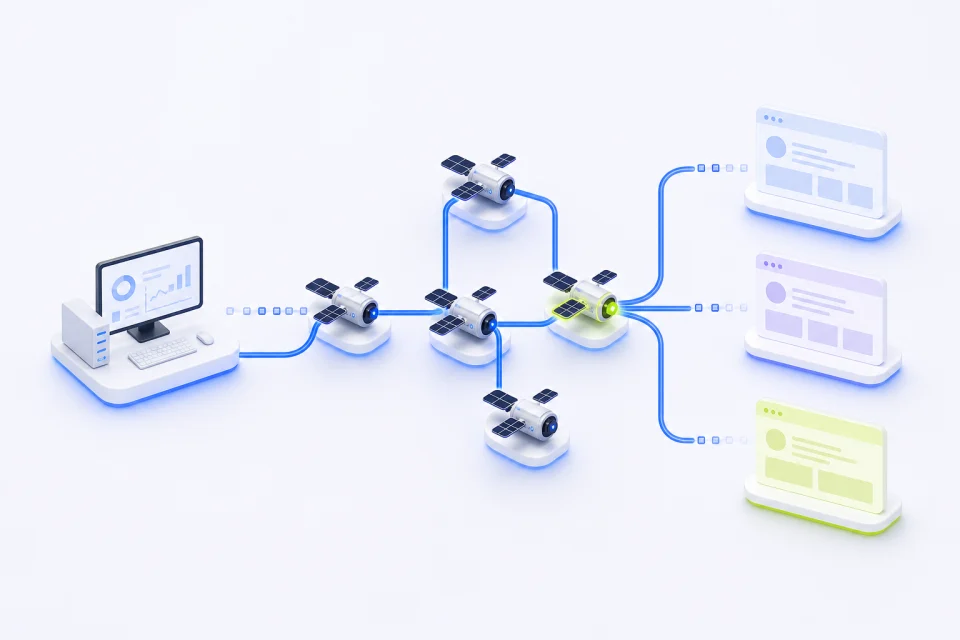
Target Local YouTube Audiences
YouTube search results, availability, and public presentation can vary by region. Country-level proxy selection helps teams review how a public page appears from an available market before a regional campaign or release.
IPMusk fit: choose a reviewed country from the current location catalog.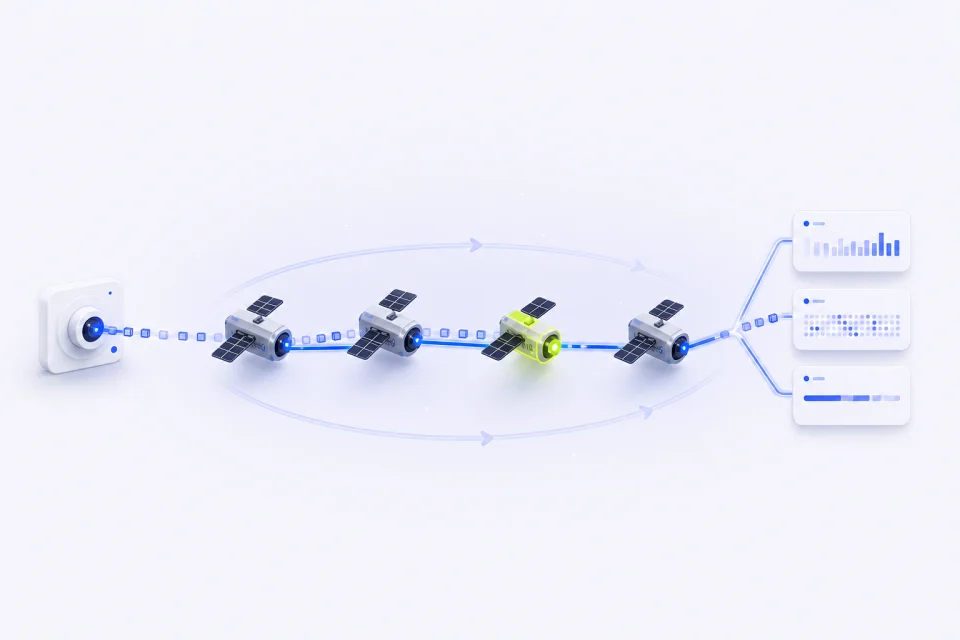
Scrape YouTube Data Efficiently to Track Trends
Collect approved public titles, descriptions, visible statistics, comments, and channel metadata for competitor analysis or trend research. Rotating Residential access supplies a different address between connections by default.
IPMusk fit: fixed GB packages make public-data traffic easier to budget.IPMusk YouTube proxy features
How IPMusk's YouTube Proxies Stand Out
Two clearly separated proxy products cover the main YouTube workflows without mixing long-lived channel sessions and rotating public-data traffic.
| Feature | IPMusk | Best fit |
|---|---|---|
| Proxy options | Rotating Residential + Static ISP | Data collection and stable channel environments |
| Location control | Country-level selection | Regional YouTube research |
| Session behavior | Default rotation or assigned static IP | Independent requests or long-term profiles |
| Authentication | Dedicated proxy username and password | Browsers, proxy clients, and server collectors |
| Plan structure | Fixed GB packages or IP quantity + term | Predictable traffic and service duration |
YouTube proxy plans
Compare YouTube Proxy Plans
Choose Static ISP for stable, long-term channel environments. Choose Rotating Residential for public YouTube scraping, trend tracking, and country-level page research.
Rotating Residential Proxies
Rotating Residential Proxies use fixed GB packages and change addresses between connections by default. They are the better choice for public YouTube data collection, trend tracking, and regional checks.
- Country-level targeting from reviewed locations
- Default random rotation between connections
- Dedicated username and password authentication
Static ISP Proxies
Static ISP Proxies provide assigned addresses for a selected country and service term. They are the better choice for authorized channel profiles, anti-detect browser environments, and repeat operations that need IP continuity.
- One assigned address for the selected term
- Stable network identity for each approved profile
- Individual connection details for every resource
YouTube proxy setup
How to Set Up Your YouTube Proxies
Configure the product and country, generate the supported proxy details, then add the connection to your browser, proxy client, or data tool.
Customize Your Proxy Parameters
Choose Rotating Residential or Static ISP, then select an available country. For Static ISP, also choose the IP quantity and service term. For Residential, choose the fixed traffic package that fits the expected workload.
Generate Your Proxy Details
Open the matching workspace and generate or reveal the supported connection details. Rotating Residential uses dedicated proxy credentials; each delivered Static ISP resource has its own connection information.
Plug the Proxy into Your Stack
Copy the connection into the approved browser profile, proxy client, or server-side collector. Test one public YouTube page first, confirm the selected country and connection state, then add it to the intended workflow.
YouTube proxy FAQ
FAQs About YouTube Proxies
Choose a stable proxy for long-term channel profiles and rotating residential access for public-data collection.
What proxy type is recommended for YouTube and an anti-detect browser?
A dedicated Static ISP proxy is the best fit for an authorized, long-lived browser profile. It keeps one assigned address for the selected service term and combines IP continuity with an ISP network profile. Start with a small number of channel environments and give each one its own browser session and proxy resource.
What's the best setup for multiple YouTube channels?
Use a separate authorized browser profile for each channel and assign one stable Static ISP address to every long-term profile. Keep cookies, login sessions, proxy credentials, and operating records isolated. Rotating proxies are better suited to public scraping than persistent channel management.
What proxy setup works best for avoiding YouTube view-bot detection?
There is no proxy setup that makes view-bot traffic safe or undetectable. A proxy supplies an IP address, while YouTube can also evaluate account, browser, device, timing, and behavior signals. IPMusk does not support automated views, likes, comments, subscribers, or watch-time inflation.
How can I consistently scrape public YouTube data?
Start with Rotating Residential proxies and add conservative spacing between requests, such as two to three seconds before tuning. Handle YouTube continuation tokens correctly so pagination remains stable, keep the selected country and session behavior consistent, and prefer the official YouTube Data API whenever it provides the required fields.
More proxy solutions