
Market research proxy
Premium Market Research Proxies
Rotating Residential · Static ISP · Country-level targeting · Credential authentication
- Collect approved public competitor, price, catalog, and trend evidence
- Compare visible regional market experiences by country
- Rotate addresses across bounded sources, pages, and refresh schedules
- Use an assigned address for repeat localization and market baselines

Why Market Research proxies
What Is a Proxy for Market Research?
A proxy for market research supplies another IP address to an approved browser or collector that reviews public competitor, pricing, catalog, campaign, or trend pages.
A market or localization team can use country-level routing to compare public prices, products, seller or brand pages, regional notices, language, currency, campaign labels, and availability across supported markets.
Rotating Residential access fits bounded research across independent pages and countries. Static ISP fits repeat observations where one assigned regional address makes release or market comparisons easier to reproduce.
For example, a team can define a canonical smartphone list across several public retailers, fix each country, currency, language, variation, seller, shipping, clean or retained session state, and timestamp, then separate raw observations from normalized conclusions.
Market Research proxy use cases
How Market Research Proxies Work
Use country-level network routes as one controlled input in an approved market or localization research plan with explicit sources, fields, browser state, cadence, and evidence.

Use a Separate Network Address During Approved Research
A proxy gives an approved public competitor, price, catalog, campaign, or trend observation path its own network address instead of the team's everyday office connection.
IPMusk fit: keep proxy credentials, source accounts, customer data, and unnecessary page content out of evidence.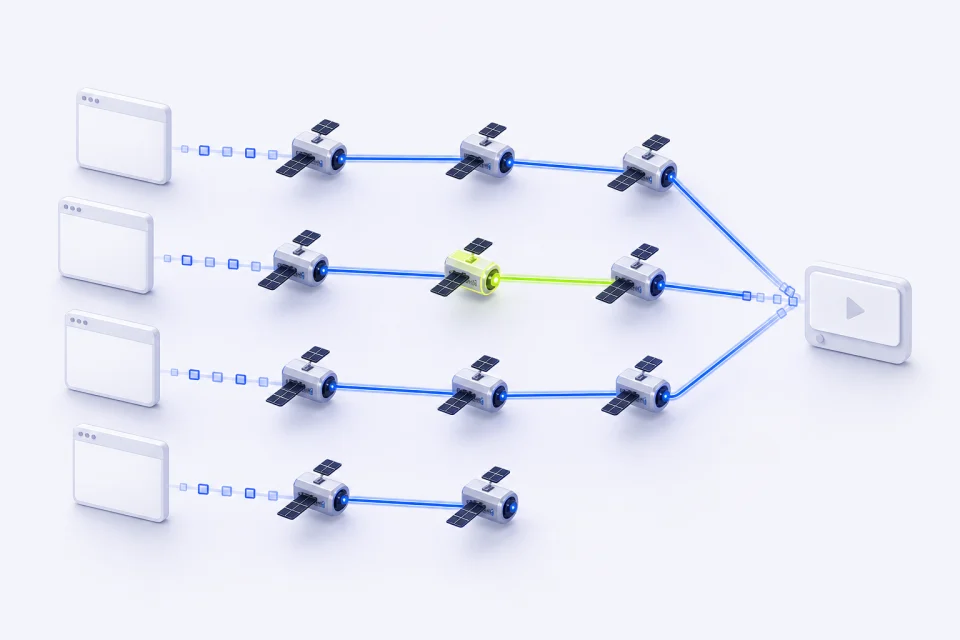
Switch IPs Across Independent Observations
Default rotation separates bounded source, product, page, and refresh observations instead of sending the full research sample through one address.
IPMusk fit: define approved sources, pagination, assets, concurrency, refresh intervals, retry ceilings, and stop conditions first.
Access Geo-Targeted Data Accurately
Country-level routes help compare visible public prices, catalogs, language, currency, campaigns, notices, and availability when other session inputs are controlled.
IPMusk fit: country and state selection; city, ASN, or carrier targeting is not offered.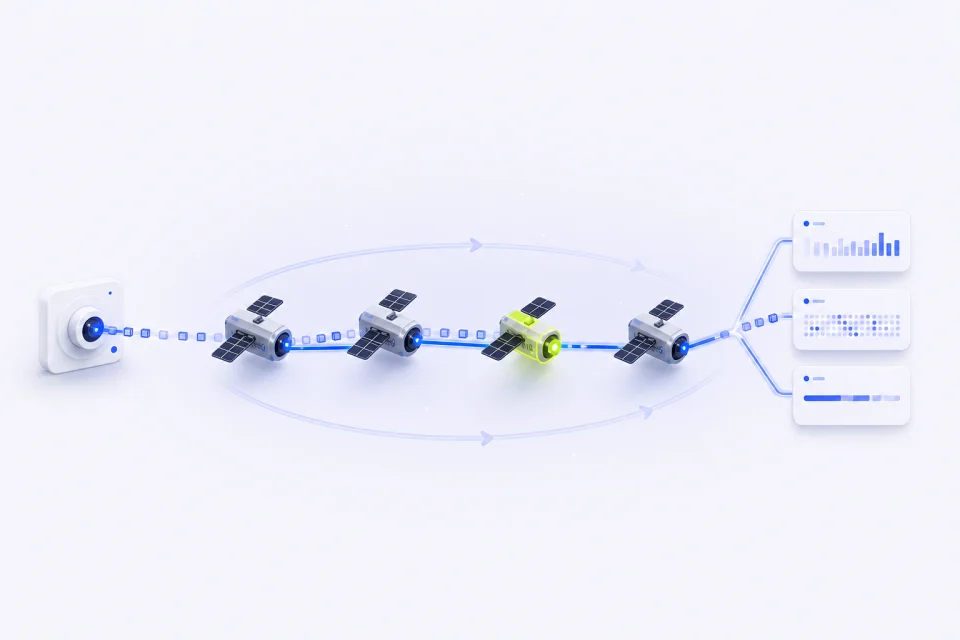
Maintain Consistent Research Data Quality
Canonical items, fixed browser inputs, raw evidence, normalized fields, unavailable states, and timestamps make regional market differences easier to audit.
IPMusk fit: a proxy result is one observation under named conditions, not a universal market truth or causal explanation.IPMusk Market Research proxy features
How IPMusk's Market Research Proxies Stand Out
Two clearly separated products cover rotating research requests and stable assigned-address workflows without mixing their session behavior or billing model.
| Feature | IPMusk | Best fit |
|---|---|---|
| Proxy options | Rotating Residential + Static ISP | Public data and stable assigned environments |
| Location control | Country-level selection | Regional public-page comparisons |
| Session behavior | Default rotation or assigned static IP | Independent requests or repeat profiles |
| Authentication | Dedicated proxy username and password | Browsers, proxy clients, and server collectors |
| Plan structure | Fixed GB packages or IP quantity + term | Predictable traffic and service duration |
Market Research proxy plans
Compare Market Research Proxy Plans
Use it for repeat market or localization regression checks from one assigned country-level address when network continuity supports comparison. Use it for bounded public competitor, product, price, catalog, campaign, trend, and regional-experience observations across available countries.
Rotating Residential Proxies
Rotating Residential Proxies change addresses between connections by default and use fixed GB packages. Use it for bounded public competitor, product, price, catalog, campaign, trend, and regional-experience observations across available countries.
- Country-level targeting from reviewed locations
- Default random rotation between connections
- Dedicated username and password authentication
Static ISP Proxies
Static ISP Proxies provide assigned addresses for a selected country and service term. Use it for repeat market or localization regression checks from one assigned country-level address when network continuity supports comparison.
- One assigned address for the selected term
- Stable network identity for an approved profile
- Individual connection details for every resource
Market Research proxy setup
How to Set Up Your Market Research Proxies
Choose the product and country, generate the supported connection details, then validate one approved page or client before expanding the workflow.
Customize Your Proxy Parameters
Choose Rotating Residential or Static ISP and select an available country for the Market Research workflow. For Static ISP, also choose quantity and term; for Residential, choose the fixed traffic package.
Generate Your Proxy Details
Open the matching workspace and generate or reveal the supported connection details. Keep proxy credentials separate from dashboard and destination-account passwords.
Plug the Proxy into Your Stack
Add the connection to the approved browser profile, proxy client, or server-side collector. Test one Market Research page or workflow, confirm the country and response, then scale within the written limits.
Market Research proxy FAQ
FAQs About Market Research Proxies
Choose a stable assigned address for repeat profiles and rotating residential access for bounded public-data collection or regional checks.
Which IPMusk proxy type fits market research?
Use Rotating Residential for bounded observations across independent public pages and Static ISP for a repeat assigned regional baseline. IPMusk does not offer mobile proxies. Datacenter proxies are a separate product for sites that accept datacenter traffic: hosting-provider IPs, not residential or ISP addresses.
How do proxies improve regional price comparisons?
They provide country-level network routes for public storefront observations. Accurate comparison still requires canonical items and variants, currency, tax display, shipping, seller, availability, promotion, session state, and timestamp normalization.
Can I use free proxies for market research?
Free shared proxies are often unstable, heavily reused, and difficult to audit. Authenticated access with known country, traffic or term limits, workload owner, source scope, and stop rules is a clearer baseline.
How often should I rotate IPs for market research?
Rotating Residential changes addresses between connections by default. The research plan should decide which observations must be independent and still enforce pacing, caching, pagination, retry ceilings, traffic budgets, and stop conditions.
Do market research proxies bypass CAPTCHAs?
No CAPTCHA-free result is guaranteed. Classify a challenge as a source response and apply the approved retry or stop policy rather than repeatedly changing addresses until a page appears.
How do I choose proxies for competitor and localization monitoring?
Choose available countries that match the written market matrix, then use rotation for breadth or Static ISP for repeatability. Keep country, language, currency, URL, cookies, account state, viewport, time, and expected content as separate recorded inputs.
More proxy solutions